Collaborating Around Forms
In Geer ERP, every form comes with certain tools embedded in the system which allows you to collaborate with other users within your account to have quick and transparent operations.
The tools in each document that you can use to communicate with other Users in your Geer ERP account are listed below.
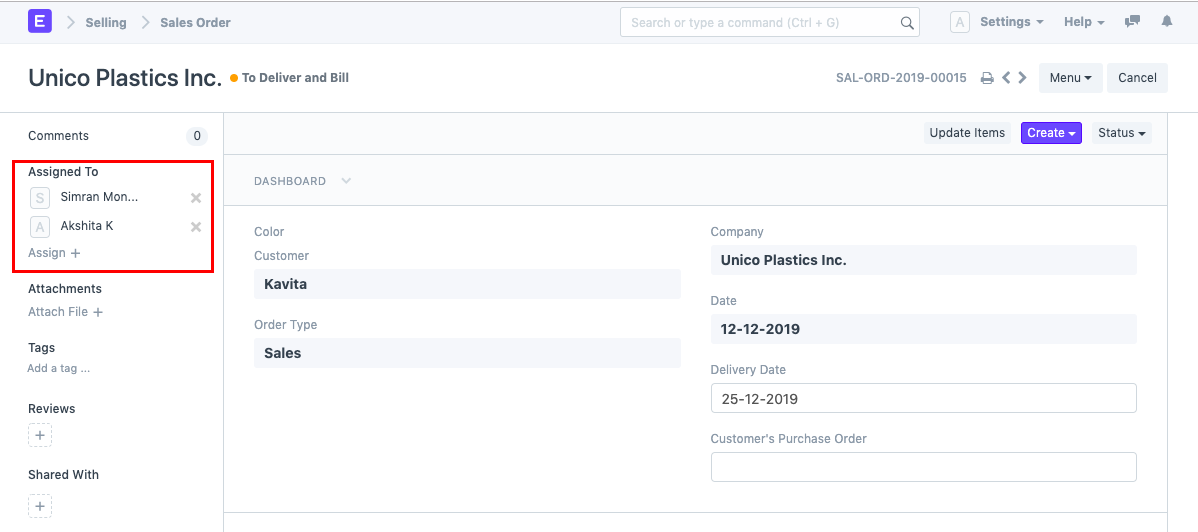
Assigned to
You can assign a Document to a User if it needs that user to take a certain action on it. The user will receive an email notifying them of their assignment. For more information on this feature, go here.
An inbound Lead, for instance, might be assigned to a certain user to guarantee that they are following up on it.
Comments
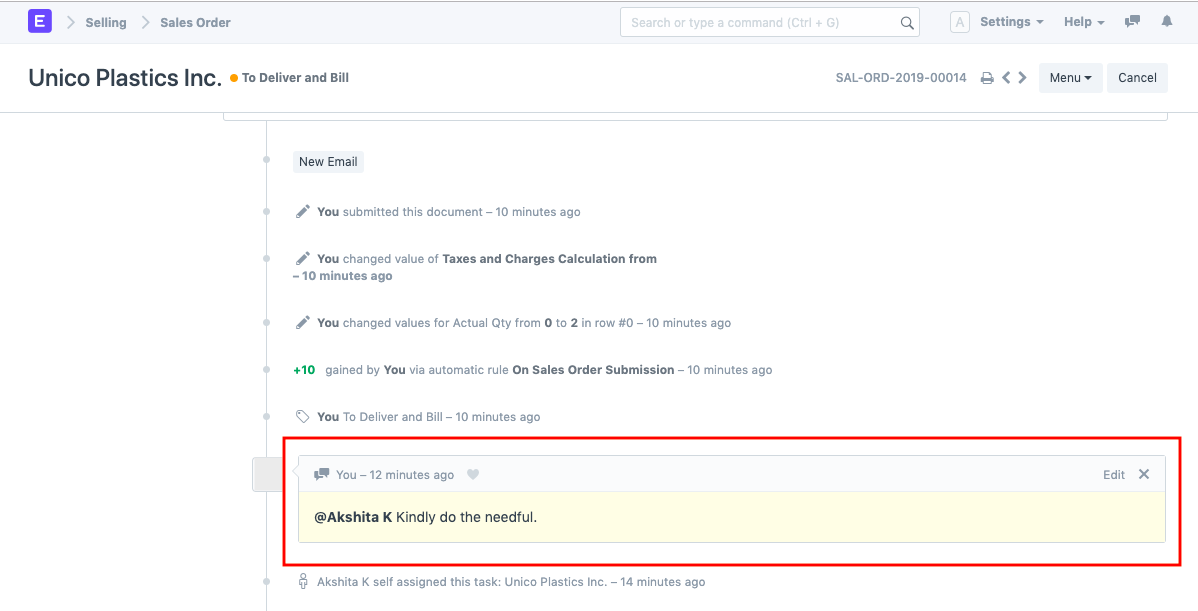
There may be information in several Documents that has nothing to do with the transaction. The "Comments" feature is a wonderful substitute for capturing this data. For more, see the comments.
Share
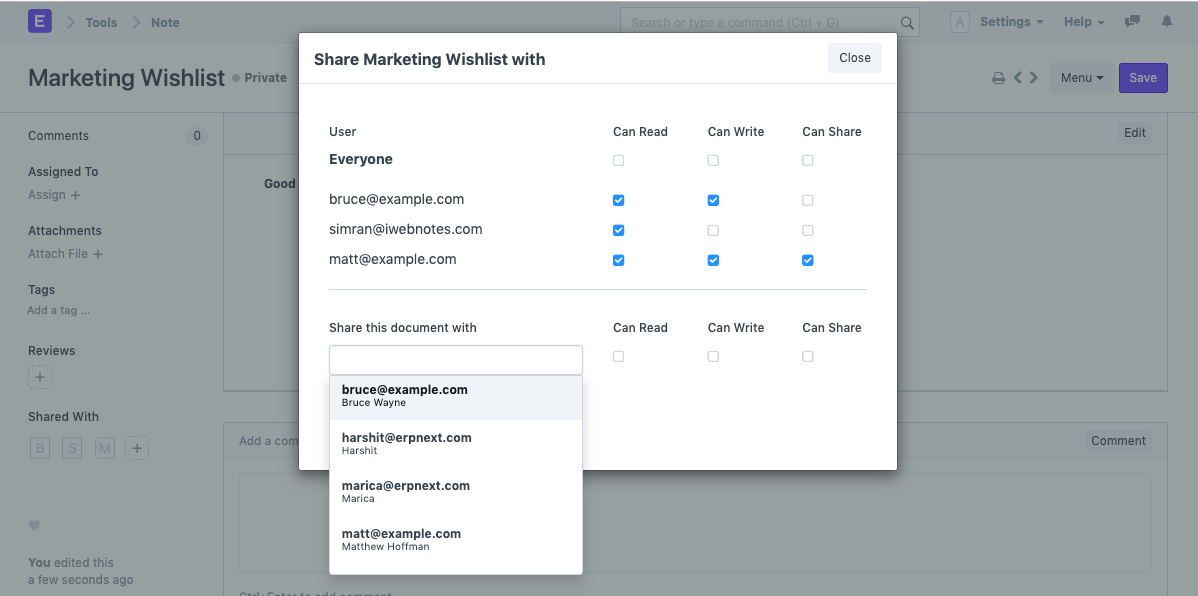
In your Geer ERP account, you can share a document with a specific user. A User will be able to access a document provided with them, regardless of their responsibilities or permissions.
Tags
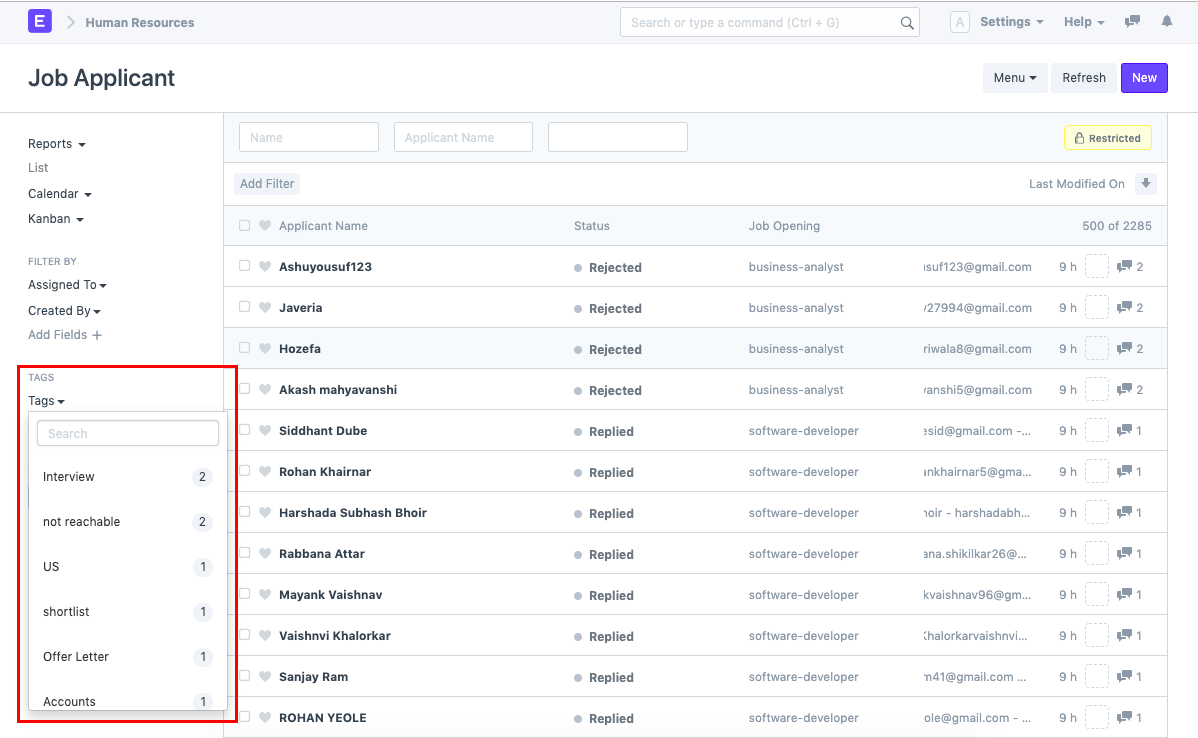
Additionally, you can apply tags to various Documents to group them into categories. To learn more about tags, see this page.
Reviews
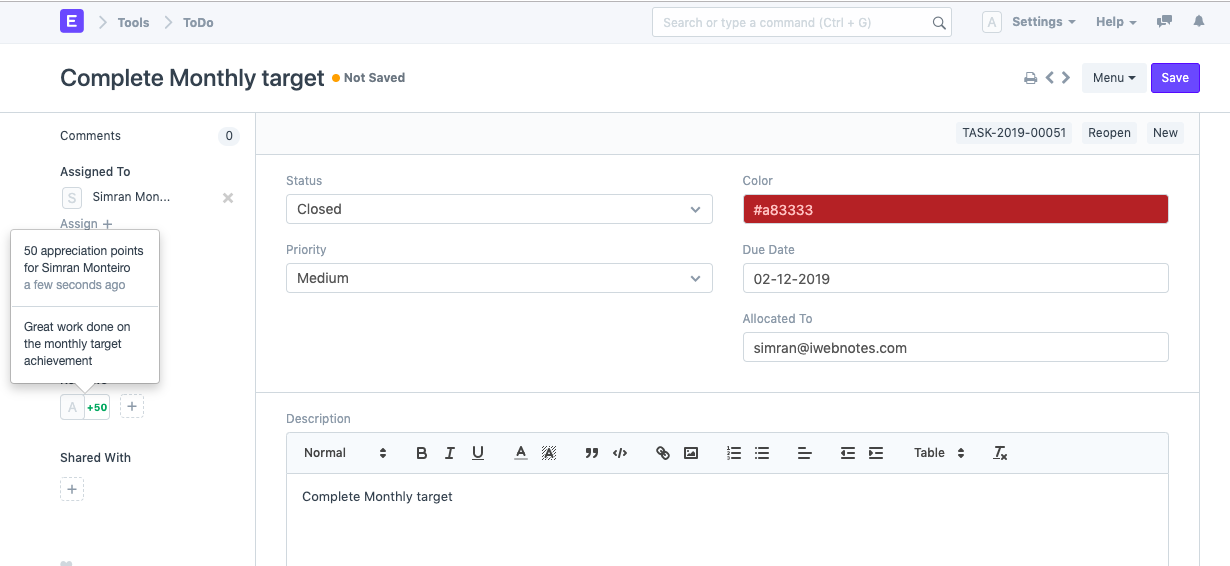
There is an option to add Reviews for any User participating in the Document for each Document. This applies to all Users who were assigned this document as well as all Users who have commented on it. A User can acquire Review Points by utilizing the Energy Point System.