Repack Entry
Repack Entry
For items that are packaged into smaller packages after being purchased in bulk, a repack entry is created. For instance, a product purchased in tons can be repackaged into kg.
Notes:
Purchased items and repackaged goods will have unique item codes.
You can enter a repack either with or without a BOM (Bill of Material).
One or more repack items may be present in a Repack Entry. Let's look at the situation below to better comprehend this.
Consider that we are purchasing boxes of a specific color of spray paint (Green, Blue etc). Later, the spray paint was rebundled to make packets that contained several different colors (Blue-Green, Green-Yellow, etc.).
1. New Stock Entry
Stock > Documents > Stock Entry > New Stock Entry
2. Enter Items
Choose "Repack Entry" for the Purpose.
There will be just one source warehouse available for raw materials and input items.
The only option available for repacked/output items is Target Warehouse. The repackaged items require appraisal, which you must give.
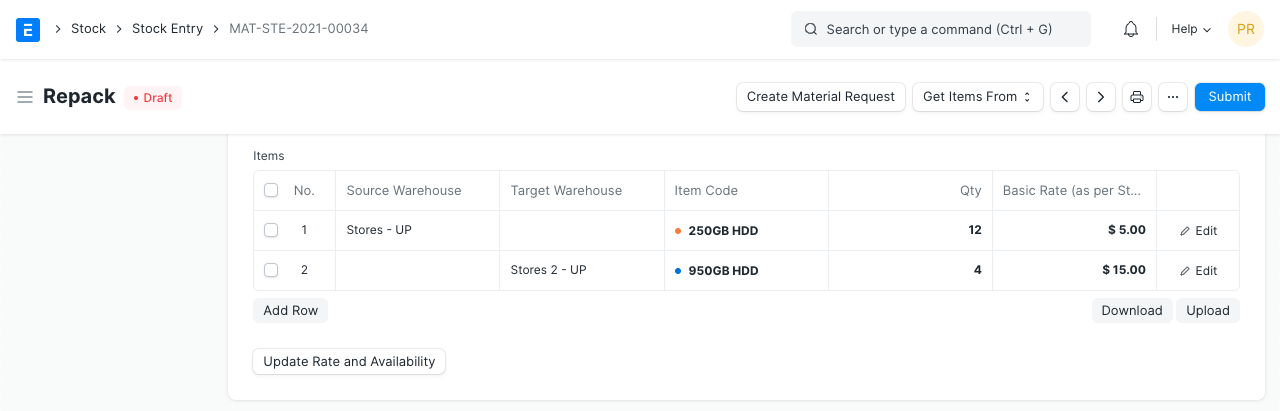
Update Qty for all the items selected.
3. Submit Stock Entry
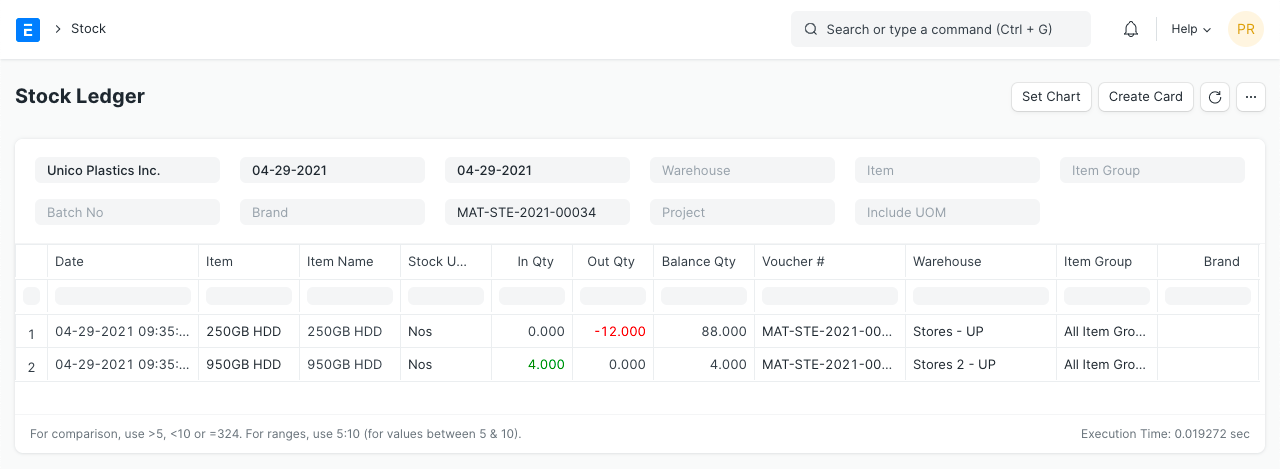
Stock of the input item will be decreased from the source warehouse upon submission of the stock entry, while stock of the repackaged/output item would be added to the target warehouse.