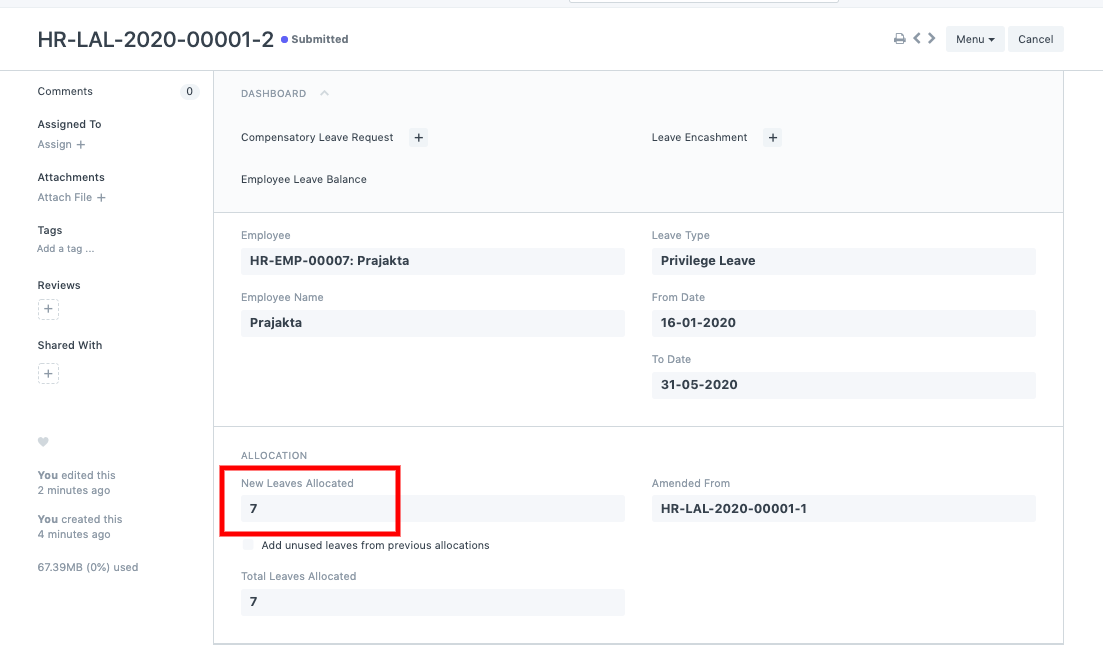
Leave allocation after Compensatory Leave Request
*Leave allocation after Compensatory Leave Request
Use case: The following procedure is crucial in ERPNext if a worker works on a holiday and requests a compensating day off:
1) Create an Employee with the necessary information and give it a leave policy and holiday list.
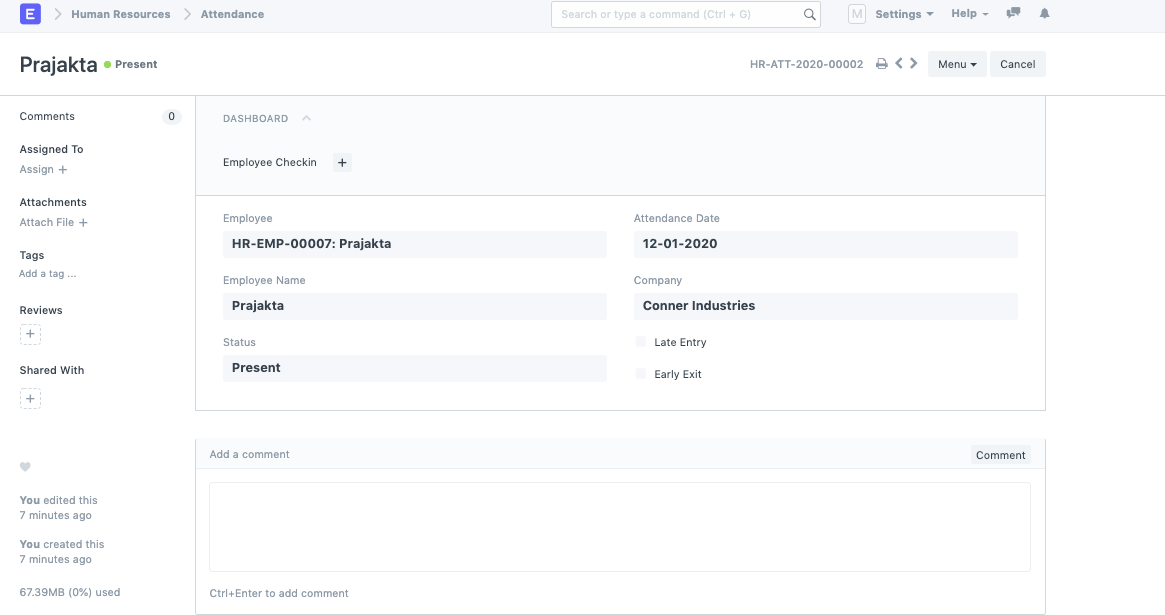
2) The employee's attendance must be recorded, and the employee must be listed as present on the holiday (this holiday should be on the holiday list).
3) Assign the Employee a leave allotment.
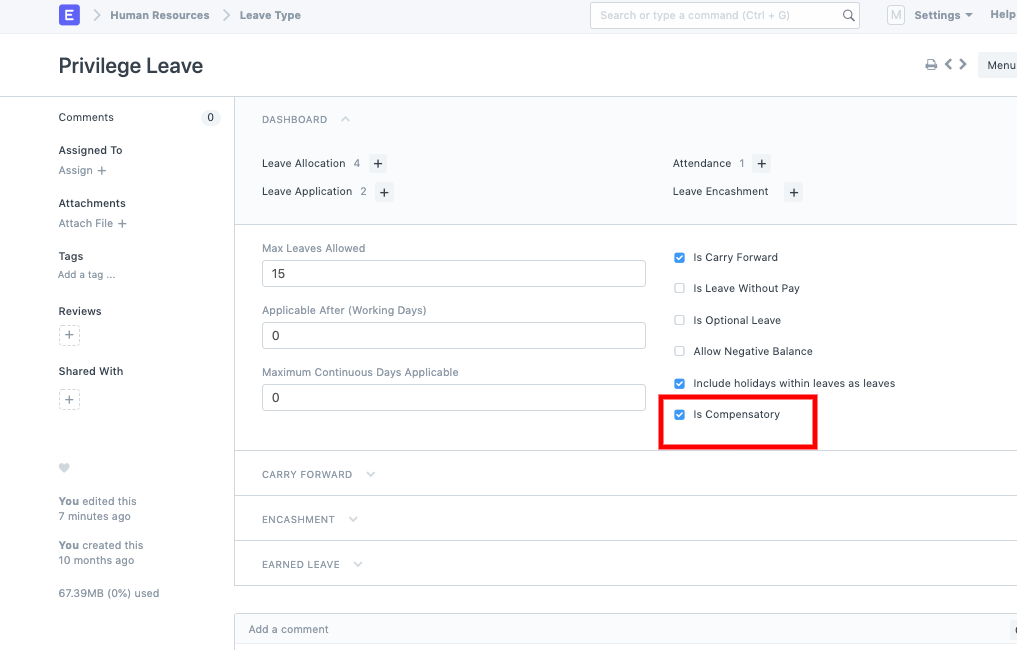
4) Tick the checkbox next to every kind in the Leave Type list that permits Compensatory off.
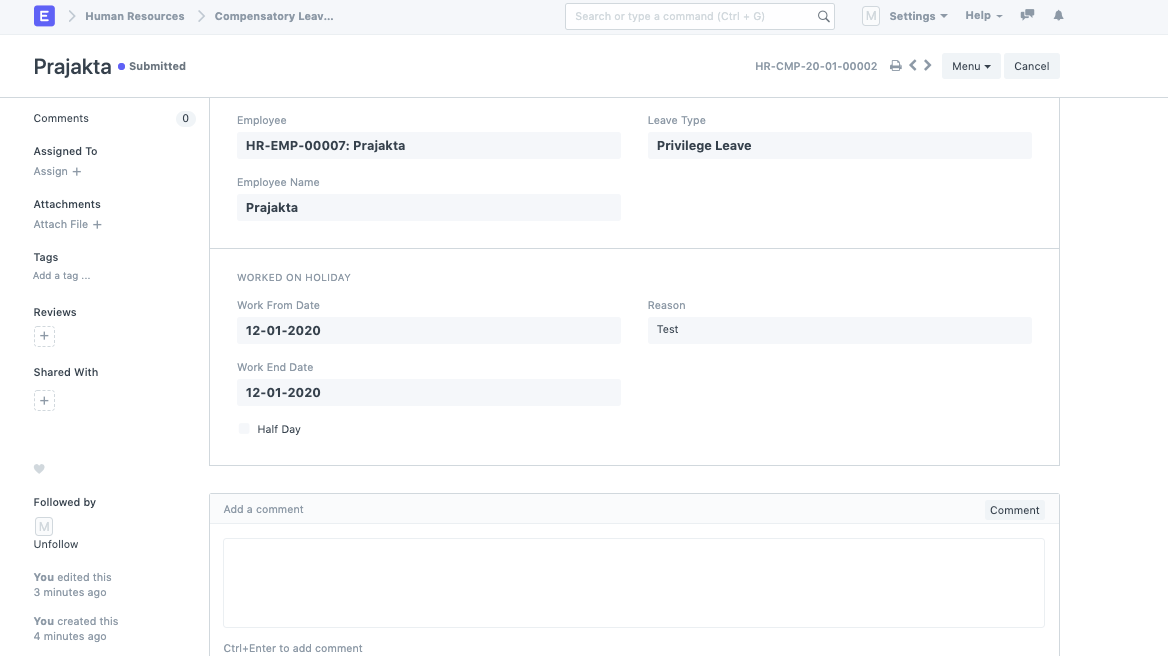
5) After that, make an application for compensatory leave for the worker.
6) Return and verify the Employee's added leave in the Leave Allocation column.