Tracking the Progress
Tracking the Progress
The desk is not accessible to the students, but they can check their progress on the portal itself. The following doctypes are used by teachers and other ERPNext users to monitor student progress:
Program Enrollment
Course Enrollment
Course Activity
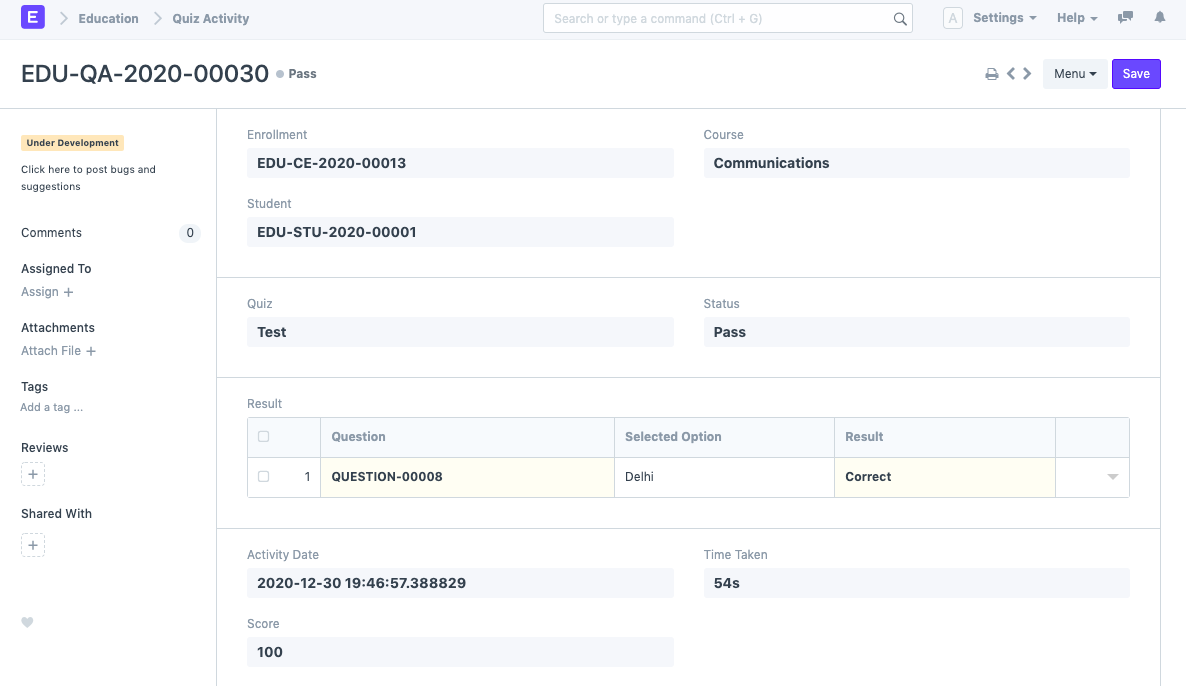
Quiz Activity
Program Enrollment
If "Allow Self Enroll" is activated for a specific program, a student's entry is immediately produced. Each student will only enroll in one program at a time. Learn more about enrolling in a program here.

Course Enrollment
A course enrollment record is automatically created for each course for a certain program, as seen below.
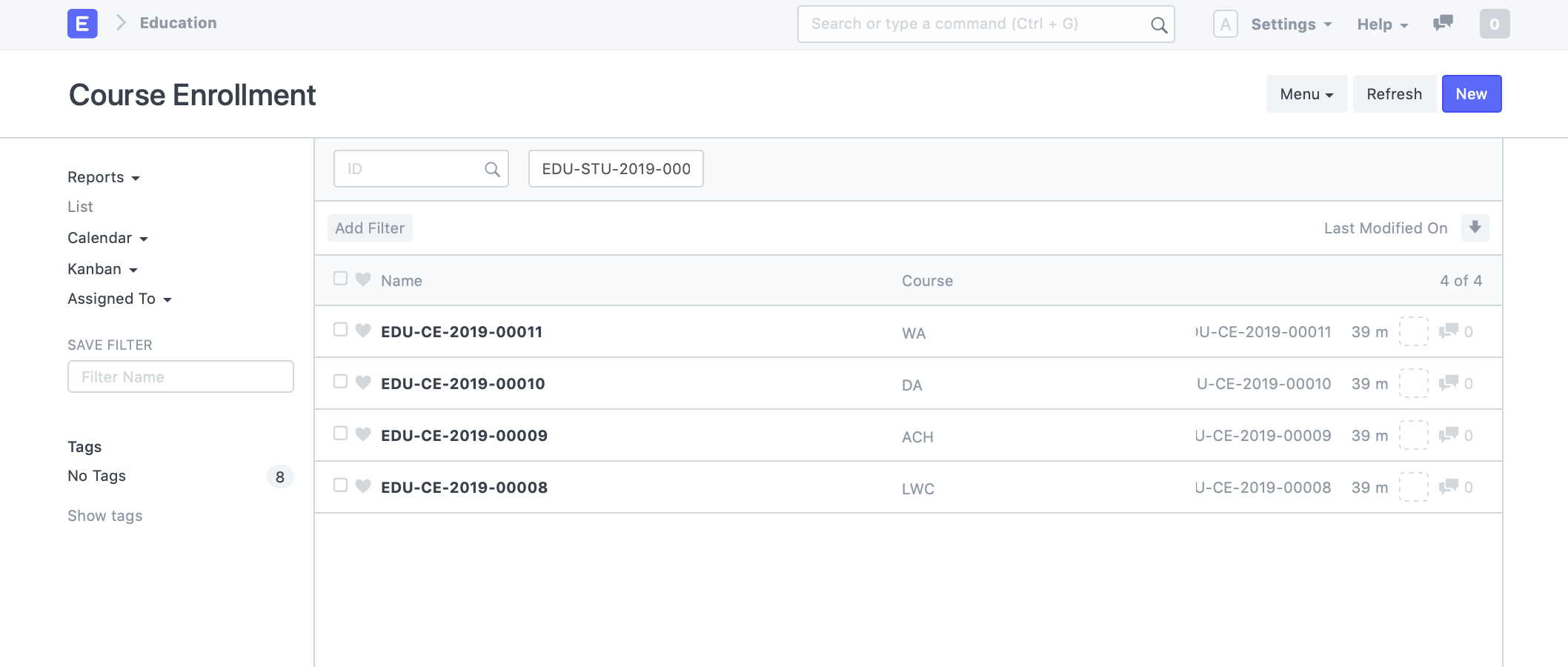
There is only one course enrolment produced for a student for a specific program and its associated child course. If a course is later added to the curriculum, the student will automatically be registered in it the next time they use the site.
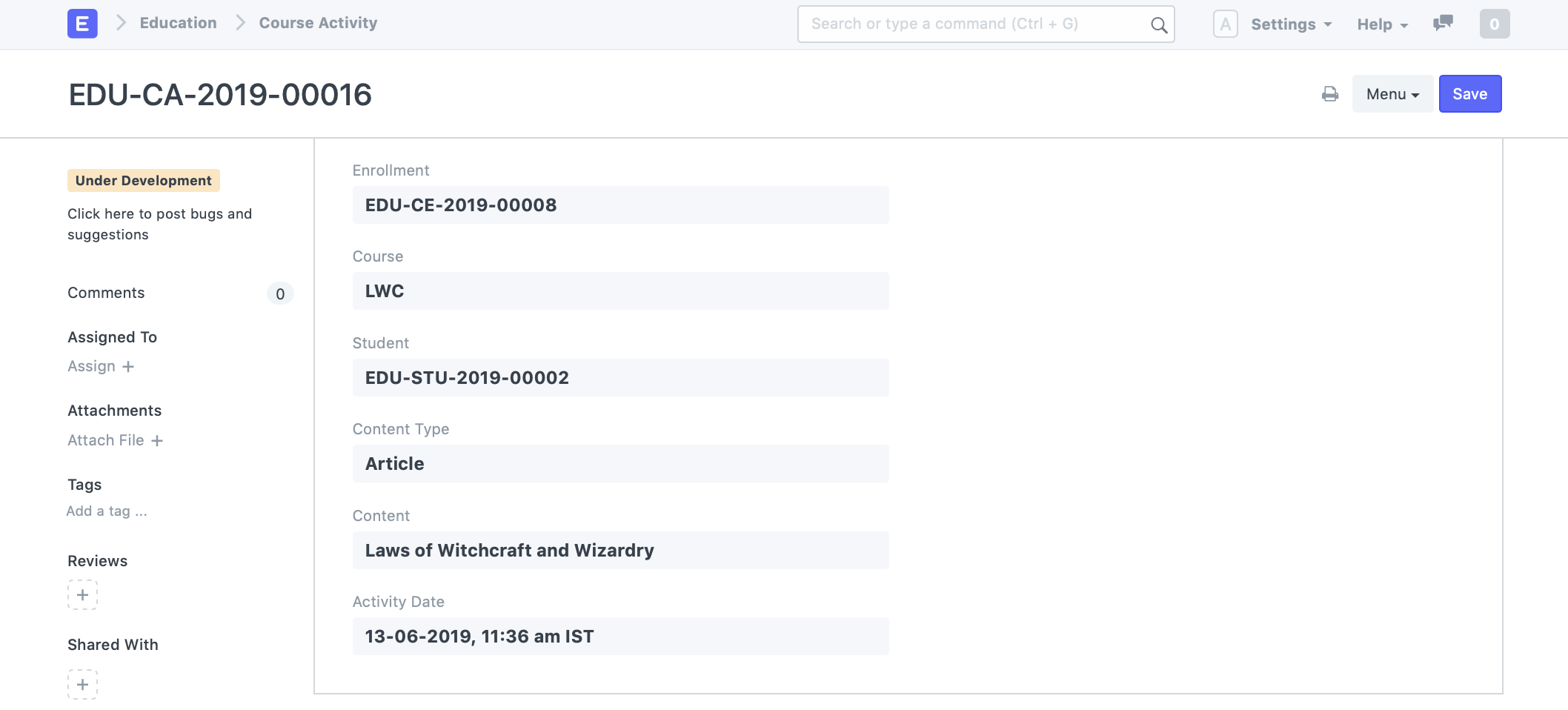
Course Activity Every time a student navigates through a non-quiz form of content in a course, a course activity is generated for that particular piece of content. This activity is only ever generated for a single content.

Quiz Activity
Until the student is permitted to attempt the quiz, a quiz activity is created for each attempt. This document type contains all the details of the attempt, including the answers that were chosen for each question, the date on which it was made, the quiz's outcome, and, if it was time-limited, the amount of time it took to finish.