Workflow Actions
Introduced in Version 11
Workflow Actions is a single place to manage all the pending actions you can take on Workflows.
Only if the 'Send Email Alert' checkbox is selected in the Workflow that you've constructed will Workflow Actions send email notifications.
Go to: to access Workflow Actions.
Home > Settings > Workflow Actions
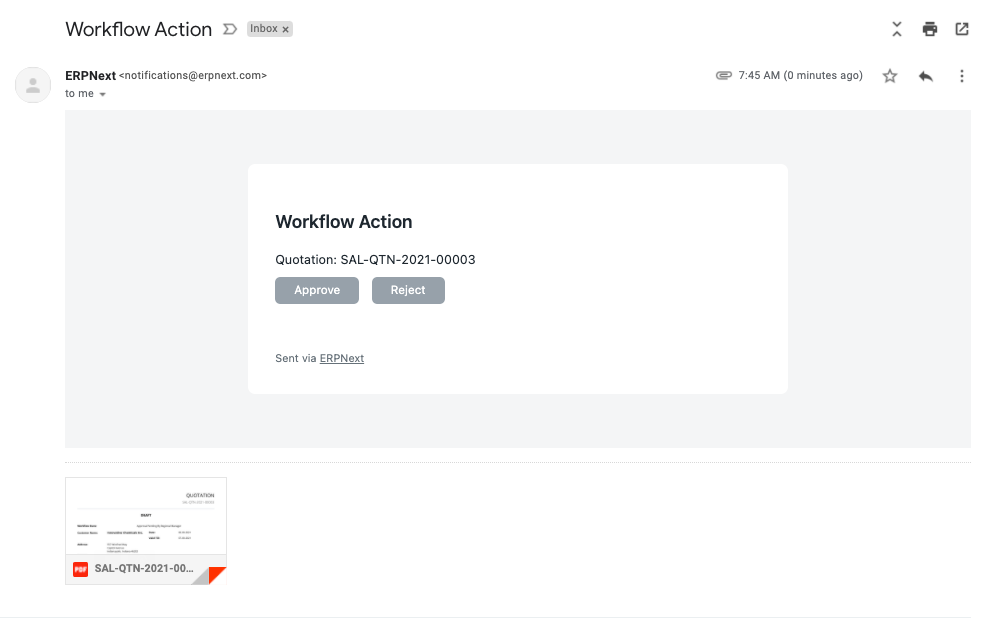
Emails with the pertinent document attached will be sent to the user if they are qualified to act on some workflows. The user then has the option of approving or rejecting the workflow.
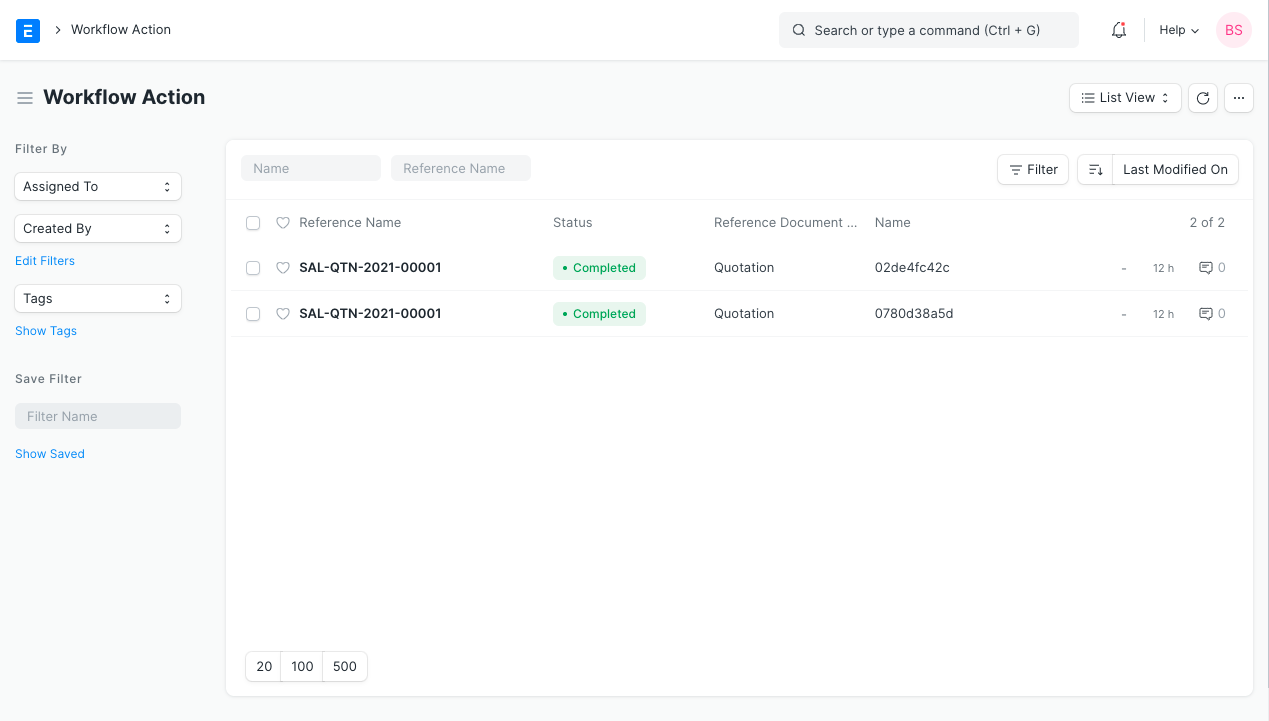
Also the users will see entries in their Workflow Action list:
NOTE:
- On each stage, you can configure an email template for workflow actions. The template might include a message encouraging users to move on to the following Workflow Actions.
- Workflow actions won't be produced for states that are transitioned to optionally.