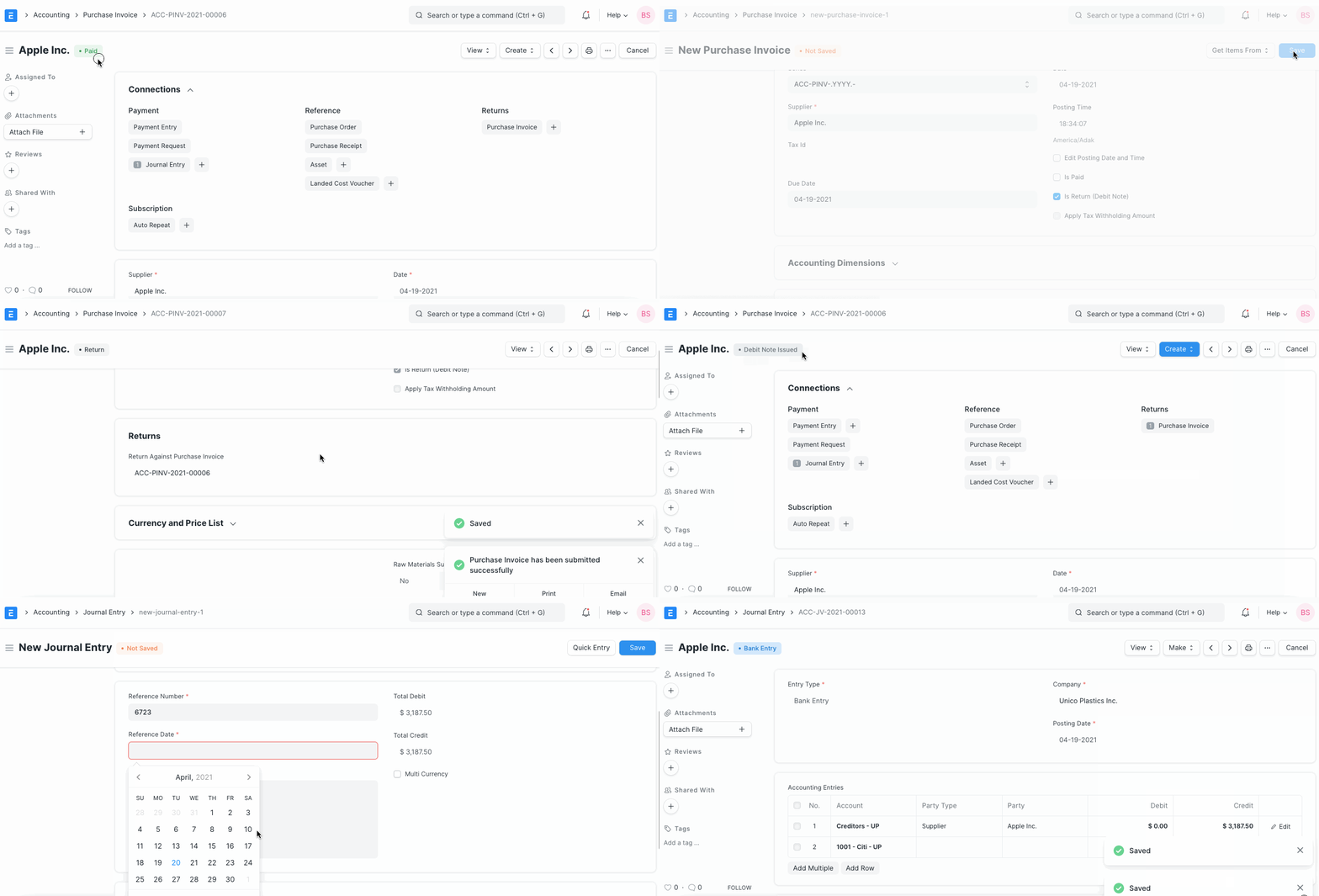
Debit Note
Debit Note A debit has been recorded against the items returned to the supplier, according to a debit note that the buyer sends to the supplier.
For the amount of the returned goods, a Debit Notice is generated. Sellers have been observed in some instances mailing debit notes, which should be viewed as an invoice in their own right.
A debit is a record of the amount that you have deducted from the items on your return.
1. How to create Debit Note
The user has the option of making a debit note in reference to the purchase invoice or making a debit note directly from the purchase invoice.
1.Go to the respective Purchase Invoice and click on Create > Return / Debit Note.
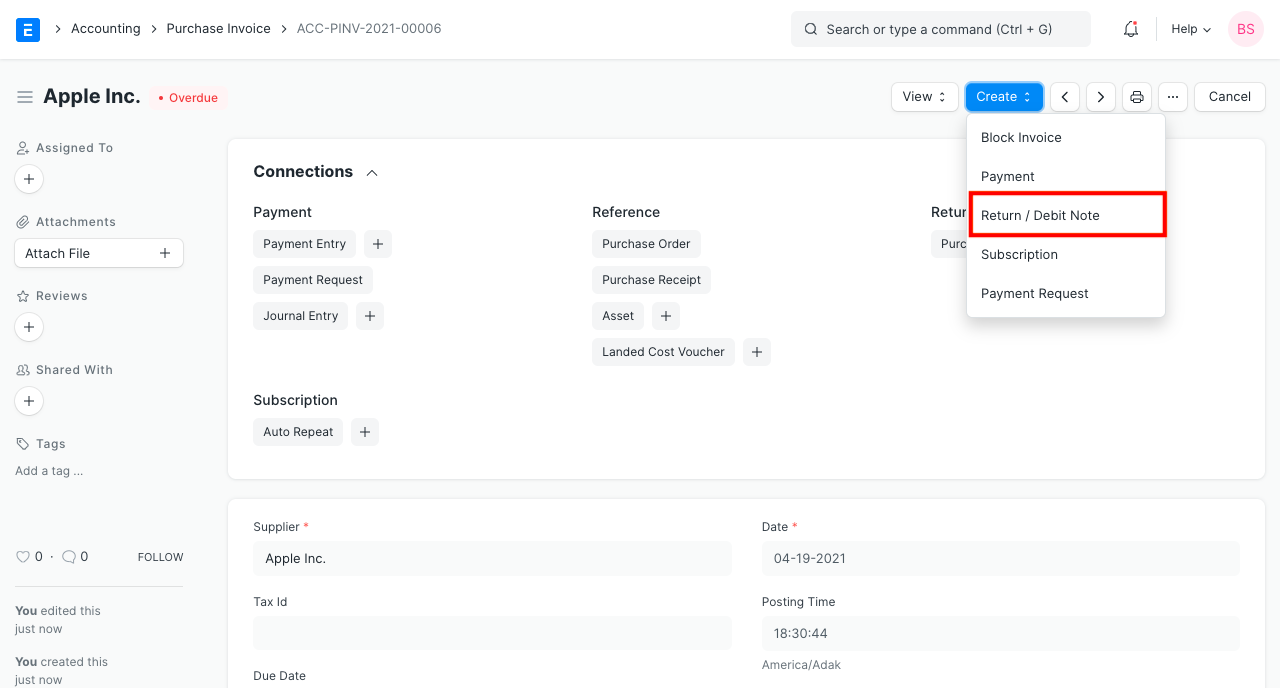
2.The Supplier and Item details will be fetched as set in the Purchase Invoice. 3.If you had paid partially or fully, make a Payment Entry against the original Purchase Invoice. 4.Save and Submit.
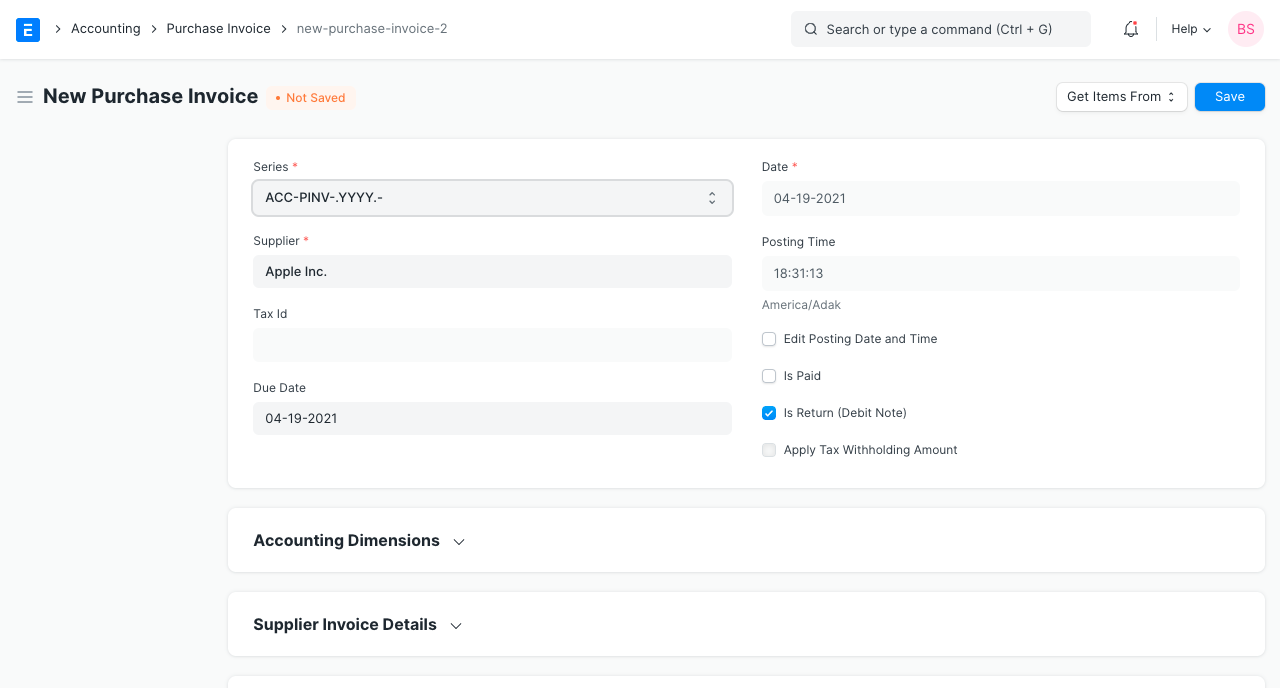
The additional procedures resemble those of a purchase invoice.
1.1 How does Debit Note affect ledger
The effect of the purchase invoice will be undone by the debit note.
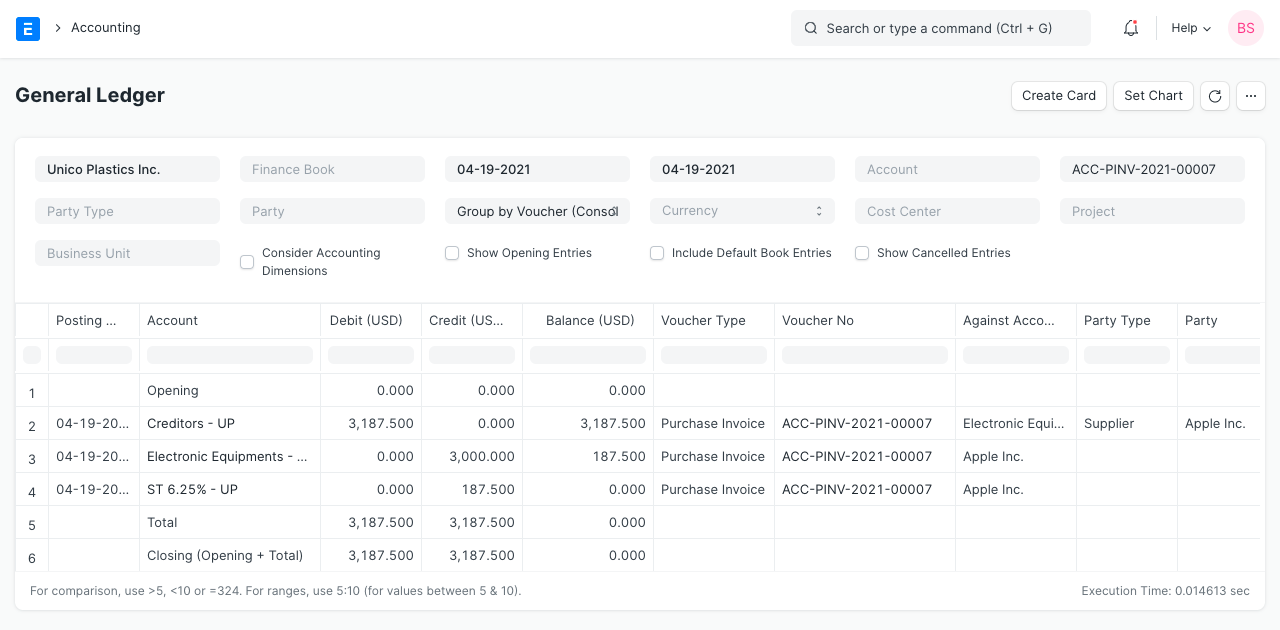
For any further information, please see the Purchase Invoice page.
1.2 No payment was made against Sales Invoice
You might simply cancel the sales invoice in the event that no payment was made in relation to the initial invoice. However for the purpose of updating the ledger, if only 5 out of 10 Items from an invoice are being returned, making a debit note is helpful.
2. Example
You had ordered Cotton from Supplier Blue Mills for Rs 2400 plus taxes, however when it was delivered, you discovered that the goods were harmed. Once that the merchandise has been returned, a debit note will be sent.
The debit note and payment entry in ERPNext are as follows for the case above: