Branch
Branch
A branch office is a division of a business that is situated somewhere other than the main office.
You can construct and maintain a record of the many divisions within your company using ERPNext.
Branch can be accessed at:
Home > Human Resources > Employee > Branch
1. Prerequisites
You must create the following papers before creating a Branch:
- Company
2. How to create a Branch
1.Click New from the Branch list.
2.Type the Branch's name here.
3.Save.
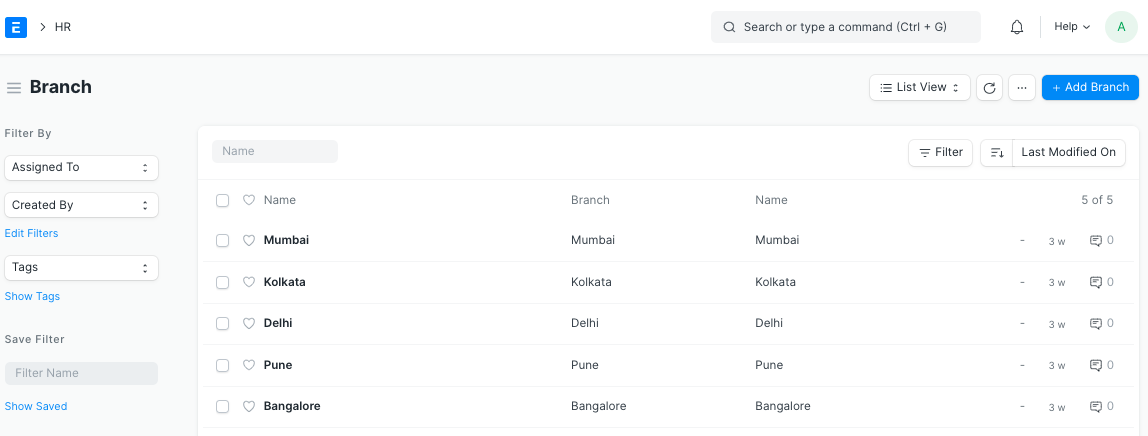
The Branch and the Employee Master can be linked.