Serial Number Naming
Serial Number Naming
Each unit of an item is given a unique value called a serial number. The item's serial number aids in tracking the warranty and expiration information. High value objects like machines, computers, and expensive equipment are typically serialized.
Check the Has Serial No. box in the Item master to serialize the item.
There are two ways to generate a serial number in ERPNext.
1. Serializing Purchase Items
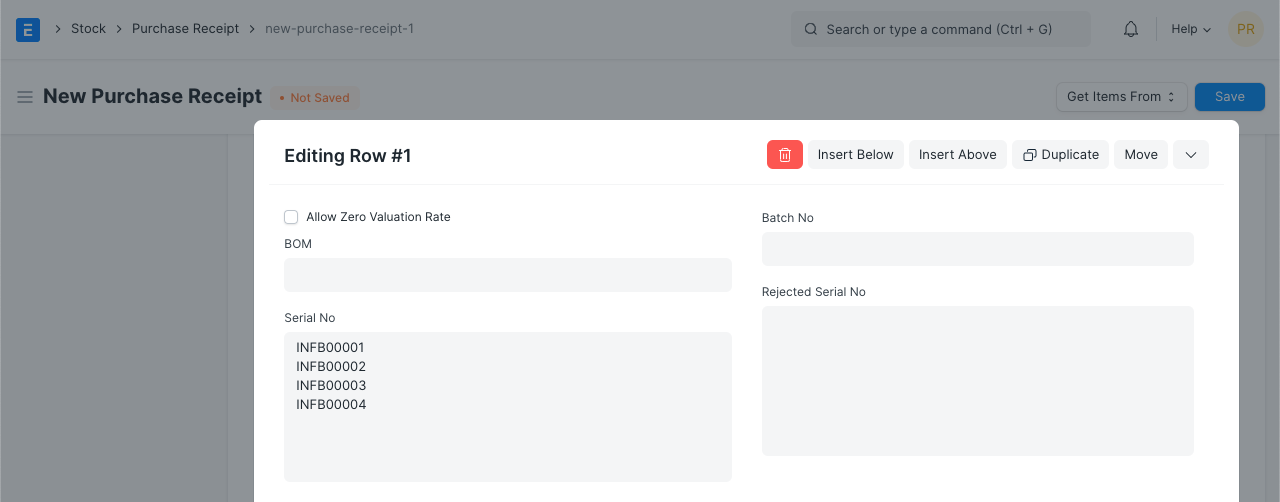
You can use the same serial number in ERPNext if the original equipment manufacturer (OEM) applied it to the purchased items. You must either manually enter or scan the serial numbers for an item when making a purchase receipt. Serial numbers will be generated in the backend upon submission of a purchase receipt according to the Serial numbers supplied for an item. Prefix should not be mentioned for serialization in the item master if OEM' Serial No. is being used. The Prefix field should be kept empty in this scenario.
If the item has already been barcoded with its serial number, all you need to do is scan it to input the serial number on the purchase receipt. To find out more about it, go here.
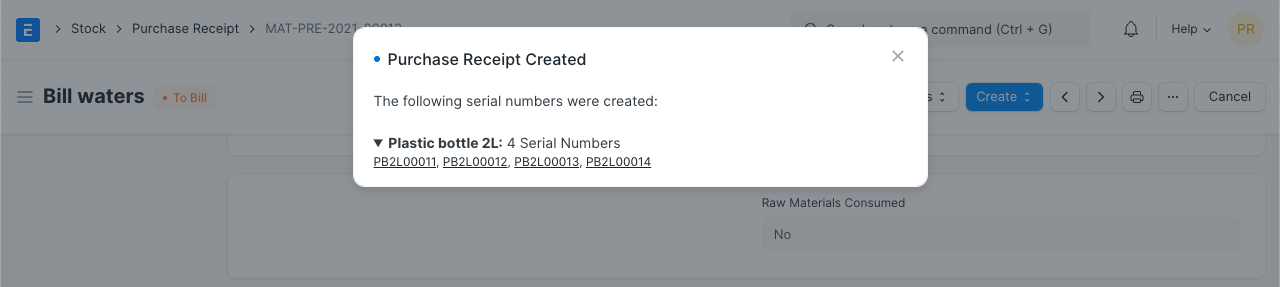
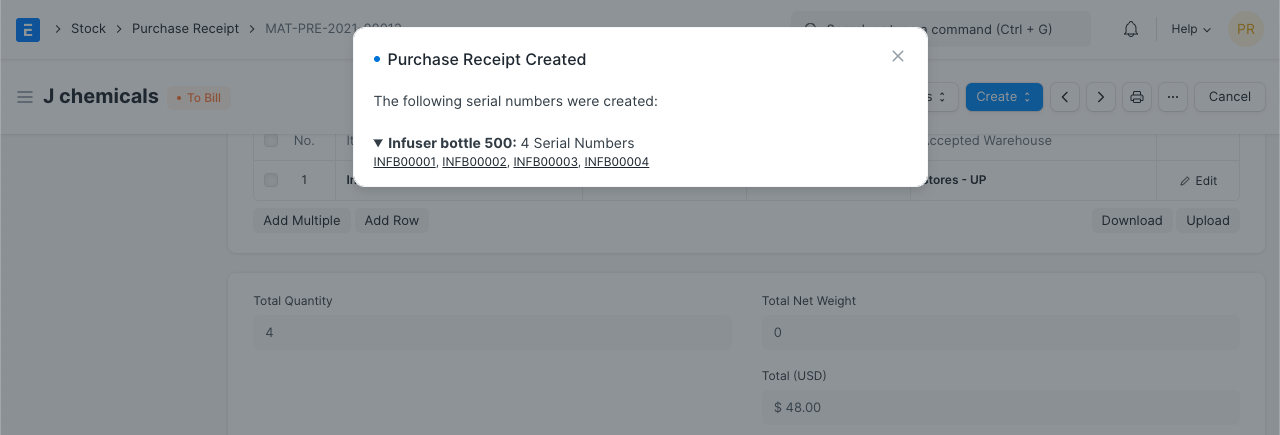
Serial numbers will automatically be produced upon submission of a purchase receipt or stock entry for a serialized item.
Each item's generated serial numbers will be updated.
2. Serializing Manufacturing Item
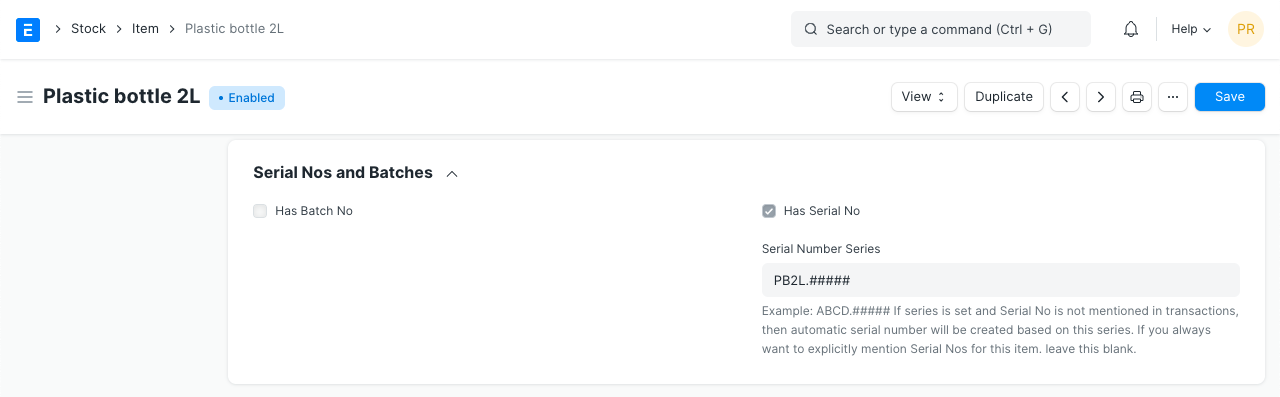
You can specify Series for Serial No. Generation in the item master itself in order to serialize manufacturing items. After an item's production entry is produced, the system will generate serial numbers for the item based on that series.
2.1 Serial No. Series
You can mention Series for an item if it is scheduled to be serialized.
2.2 Production Entry for Serialized Item
The system will automatically create Serial Nos. following Series as stated in the Item master upon submission of a production entry for a manufacturing item.